

Templates list showing personal and shared templates with owner and description
Template fields
Each template stores the complete shape of a Run command plus metadata:
Template names must be unique per owner — two users can have templates with the same name, but one user cannot have two templates with the same name.
Creating a template
1
Open the Run page
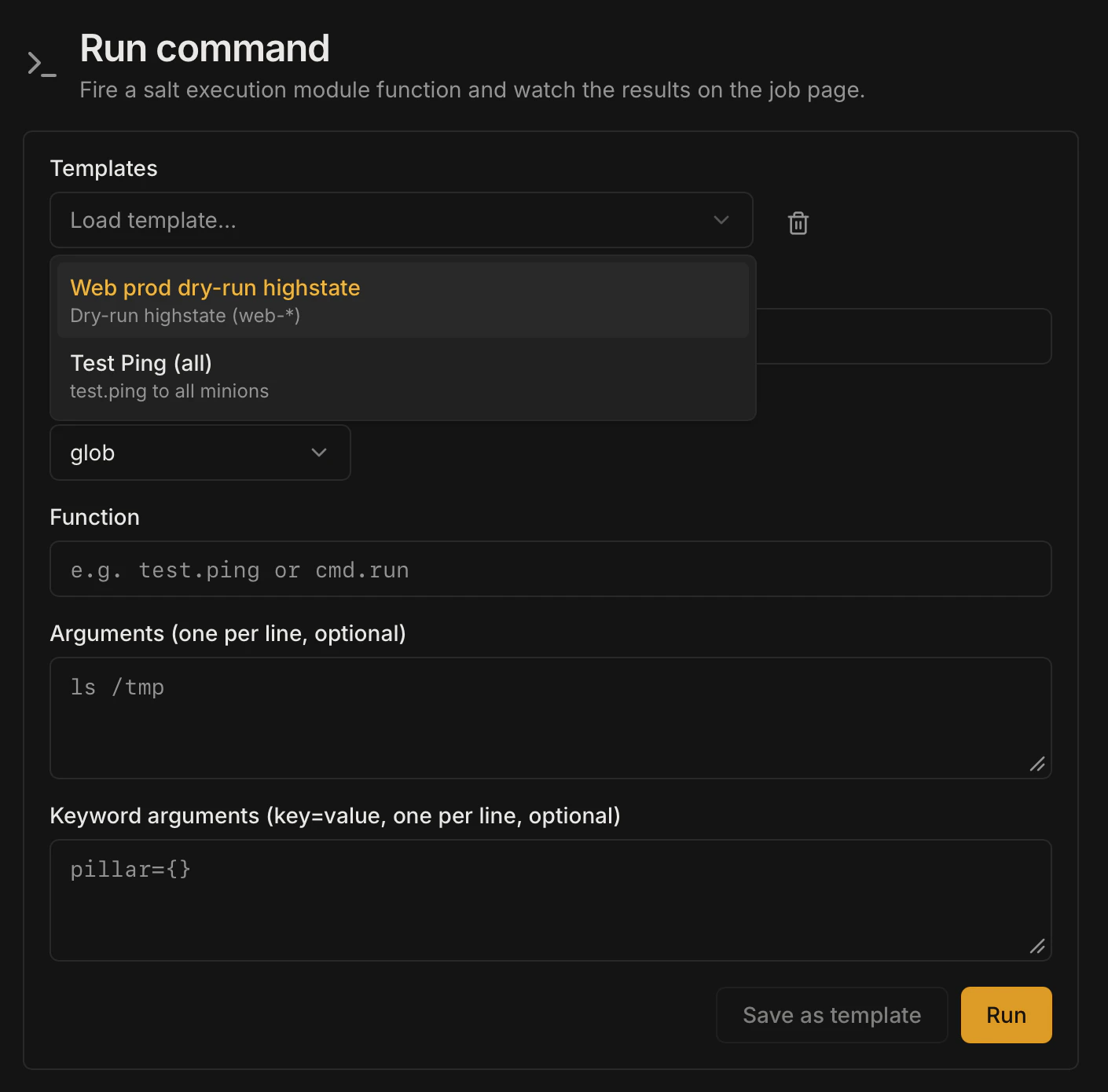
Navigate to Run in the left sidebar and fill in the target, function, and any arguments you want to save.
2
Click Save as template
Click the Save as template button (or navigate directly to the Templates page and click New template).
3
Name the template
Enter a name (required) and an optional description. By default,
is_shared is false — the template is private to your account.4
Save
Click Save. The template appears in your templates list immediately.
Running a template
On the Templates page, click Run (or the play icon) next to any template. Halite pre-fills the Run form with the template’s stored values. You can adjust any field before dispatching — the template is not modified.Sharing a template
To share a template with all users, click the Share toggle on the template card (or sendPATCH /api/templates/{template_id} with {"is_shared": true}). Shared templates appear in the list for every authenticated user but are marked with the original owner’s username.
Updating a template
The PATCH endpoint (PATCH /api/templates/{template_id}) currently supports updating is_shared only. To change the target, function, or other fields, delete the template and recreate it.
Deleting a template
Click the Delete button on a template you own. Halite sendsDELETE /api/templates/{template_id}. You can only delete templates you own — attempting to delete another user’s template returns 404 (not 403, to avoid leaking ownership information).
Example: a shared highstate template
A team lead creates a template called “Full highstate — web tier”:Permissions
The templates routes require only an authenticated session (any logged-in user). There is no additional RBACrequire_perm check on template routes — access is scoped by ownership:
Clicking Run on a template dispatches a Salt command via
POST /api/run, which requires execute:salt:*. Users without that permission can view templates but cannot run them.