

require_perm check. You can browse, paginate, and filter the log from the Audit page.
For a conceptual explanation of what gets recorded and when, see Audit Log.
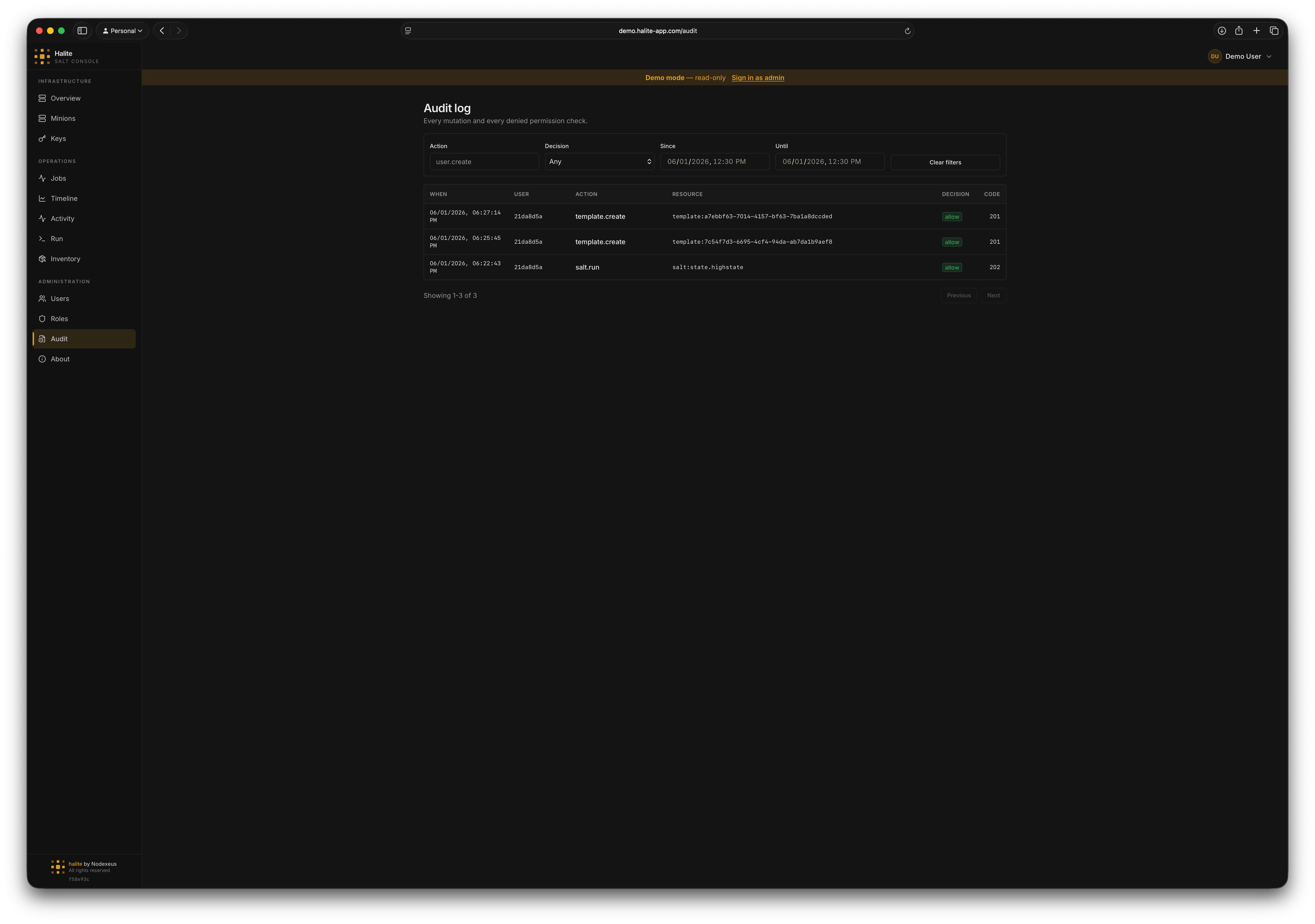
Audit log table showing recent authorization decisions
Audit entry fields
Each entry in the log has the following fields (fromAuditEntry in audit/models.py):
Browsing and filtering
The audit log endpoint isGET /api/audit. Results are sorted by at descending (newest first) and paginated.
Query parameters
UUID
Filter to entries created by a specific Halite user.
string
Filter to entries with an exact action name (e.g.
salt.run).string
Filter to entries with a specific decision. Use
allow or deny.datetime (ISO 8601)
Return entries at or after this timestamp (inclusive lower bound on
at).datetime (ISO 8601)
Return entries strictly before this timestamp (exclusive upper bound on
at).integer
default:"50"
Number of entries to return. Range: 1–500.
integer
default:"0"
Number of entries to skip for pagination.
Example: reviewing recent denied requests
deny decisions — useful for spotting permission misconfigurations or unauthorized access attempts.
Example: auditing a specific user’s actions
Example: finding all Salt jobs dispatched in a time window
salt.run action recorded during business hours on June 1st, with the salt_jid field identifying each dispatched job.